
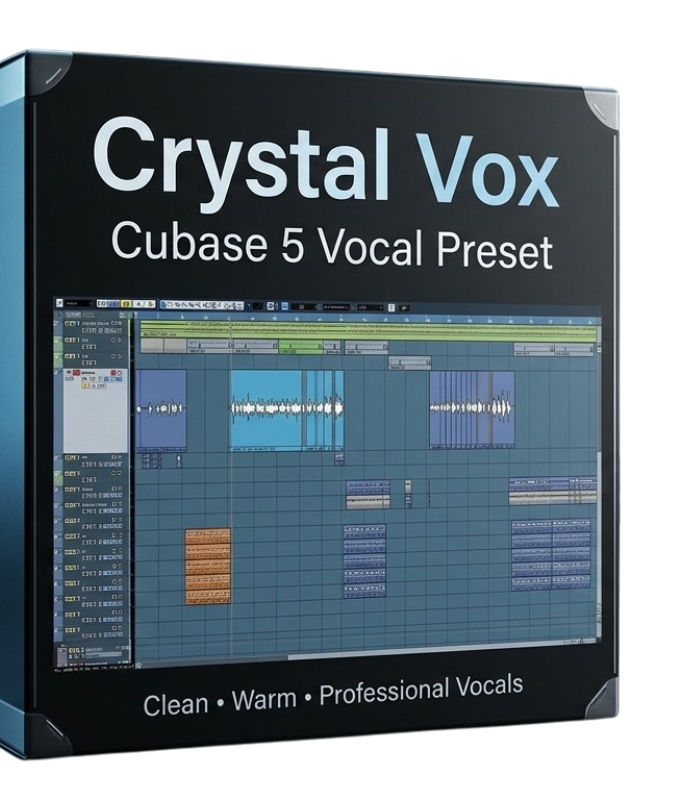
Crystal Vox
Free Download
Free
Preset
Intermediate
Cubase 5
1 Preset
Windows · macOS
article Product Description
download Installation Guide
1. Download the “Crystal Vox” preset ZIP file
2. Extract the ZIP file to your computer
3. Open Cubase 5
4. Open your vocal project and select the vocal track
5. Open the MixConsole or Inserts section
6. Import/load the “Crystal Vox” preset on the vocal track
7. Play your vocals and adjust the input level if needed
8. Enjoy clean, warm, professional vocals
photo_library Media & Gallery
Product Details
category Product Classification
inventory_2
Product Type
Preset
music_note
Genre Tags
Afrobeats, Gospel, Trap, Zoul, Reggae
school
Skill Level
Intermediate
tips_and_updates
Use Case
Melody
verified Compatibility & Requirements
settings_input_component
Supported DAW
Cubase 5
update
Minimum DAW Version
Cubase 5
devices
Operating System
Windows, macOS
inventory_2 What's Included
1
Presets
1
Templates
tune
Mixer Presets Included
description File Details
code
File Formats
Zip
person Creator Information
Studio Doctor
gavel License & Usage
- check_circle Royalty Free Usage